Is Online Banking Safe? What Every UK Senior Needs to Know
Online banking might feel like a step too far — but for millions of people across the UK, it's become one of the most useful things on their phone or tablet. In this guide, we'll walk you through what online banking actually involves, whether it's really safe, and the simple habits that will keep your money protected.
Software for Seniors
6/4/20262 min read
What is online banking?
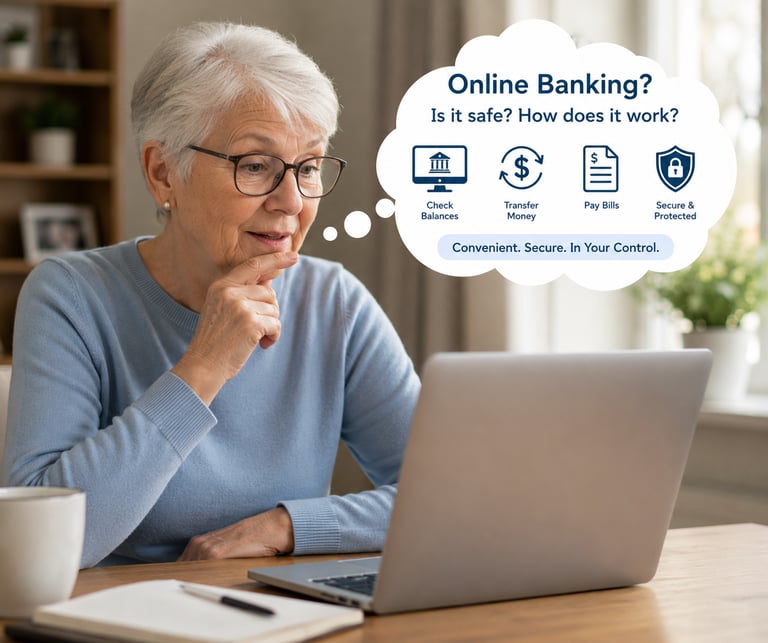
Online banking simply means managing your bank account using the internet, rather than visiting a branch or calling your bank. You can check your balance, move money between accounts, pay bills, and review recent transactions — all from the comfort of your armchair.
Most UK banks now offer online banking through their website or a free app on your phone or tablet.
Is it really safe?
Yes — when done carefully, online banking is very secure. UK banks use the same encryption technology as the Government and the NHS to protect your information. They also have teams dedicated to spotting unusual activity on your account and alerting you straightaway.
That said, the most common risks don't come from the bank itself. They come from scammers trying to trick you into giving away your details. That's why knowing what to watch out for is so important.
What your bank will NEVER do
This is the most important section of this guide. Please read it carefully.
Your bank will never:
Ask for your full PIN or password over the phone or by email
Ask you to move your money to a "safe account"
Send someone to your home to collect your card
Ask you to approve a transaction you didn't make by clicking a link in a text
If anyone contacts you claiming to be your bank and asks for any of the above — hang up or ignore the message. Then call your bank directly using the number on the back of your card.
Five simple habits that keep you safe
1. Always type your bank's address yourself. Don't click links in emails or texts to reach your bank. Type the address directly into your browser (for example, lloydsbank.com).
2. Check the padlock. Genuine bank websites always show a padlock icon in the address bar. If it's missing, do not proceed.
3. Use a strong password. Avoid obvious choices like your date of birth. A good trick is to use three unrelated words joined together — for example "PurpleLampBiscuit".
4. Never use public Wi-Fi for banking. The free Wi-Fi in a café or library isn't secure enough for banking. Use your home broadband or your phone's mobile data instead.
5. Set up banking alerts. Most banks let you set up text alerts every time money leaves your account. It takes two minutes to set up and gives you peace of mind.
What to do if something goes wrong
If you think your account has been accessed without your permission, don't panic — act quickly:
Call your bank immediately using the number on the back of your card
Report it to Action Fraud on 0300 123 2040
Make a note of everything that happened and when
Banks are required by law to refund money lost to fraud in most circumstances, so acting quickly makes a real difference.
Ready to give online banking a try?
If your bank offers online banking and you haven't signed up yet, it's worth calling them to ask for help getting started. Many banks offer free telephone support to walk you through it step by step.
And remember — it's completely fine to go at your own pace. There's no rush.
Found this guide helpful? Share it with a friend who might appreciate it — and take a look around the rest of softwareforseniors.co.uk for more plain-English tech help.
Need help choosing the right app?
Browse our guides or get in touch — we're here to help.
get in touch
hello@softwareforseniors.co.uk
© 2026. All rights reserved.